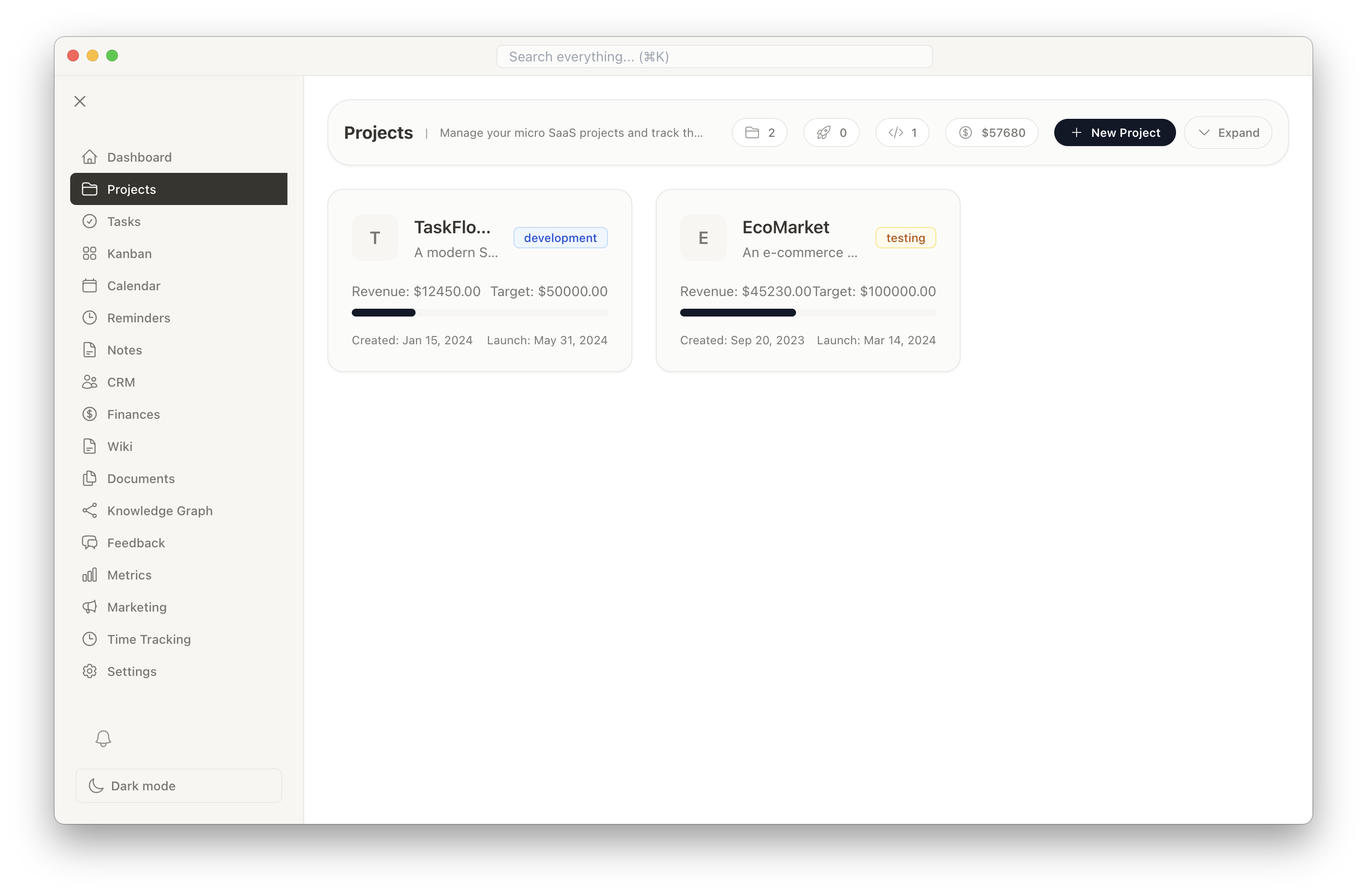
Project Management
Create and manage multiple projects with comprehensive tools designed for solo entrepreneurs. Each project can have its own milestones, tasks, timeline, and financial tracking.
- Create unlimited projects
- Set project milestones and deadlines
- Track project status and progress
- Organize projects by client or category
- Project-specific dashboards
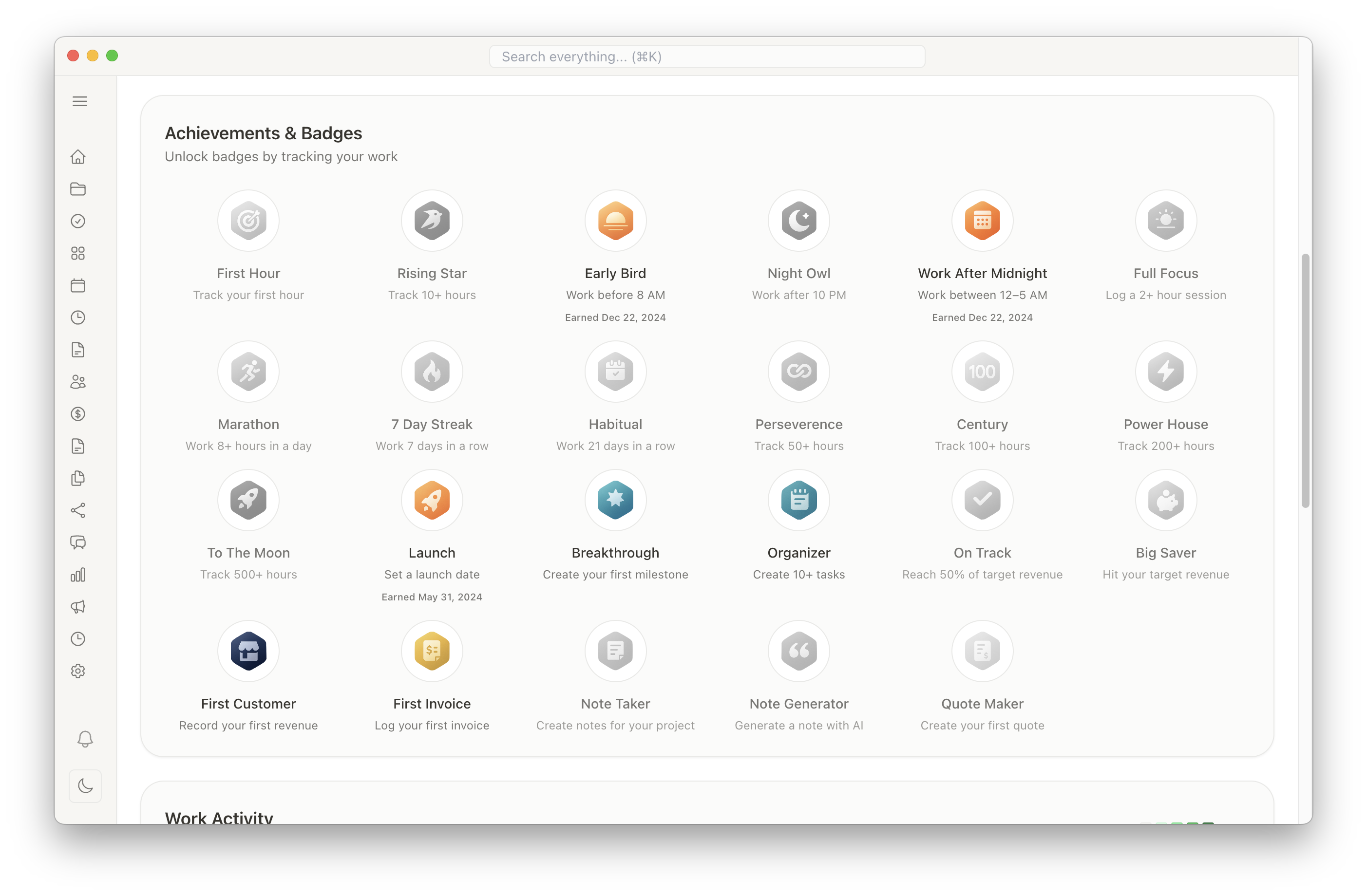
Gamification & Achievements
Stay motivated with built-in gamification features. Earn badges and track achievements as you complete tasks and reach milestones.
- Earn badges for completing tasks and milestones
- Track your productivity streaks
- Visualize your progress with achievement displays
- Celebrate wins and stay motivated
- Fun rewards for consistent work habits
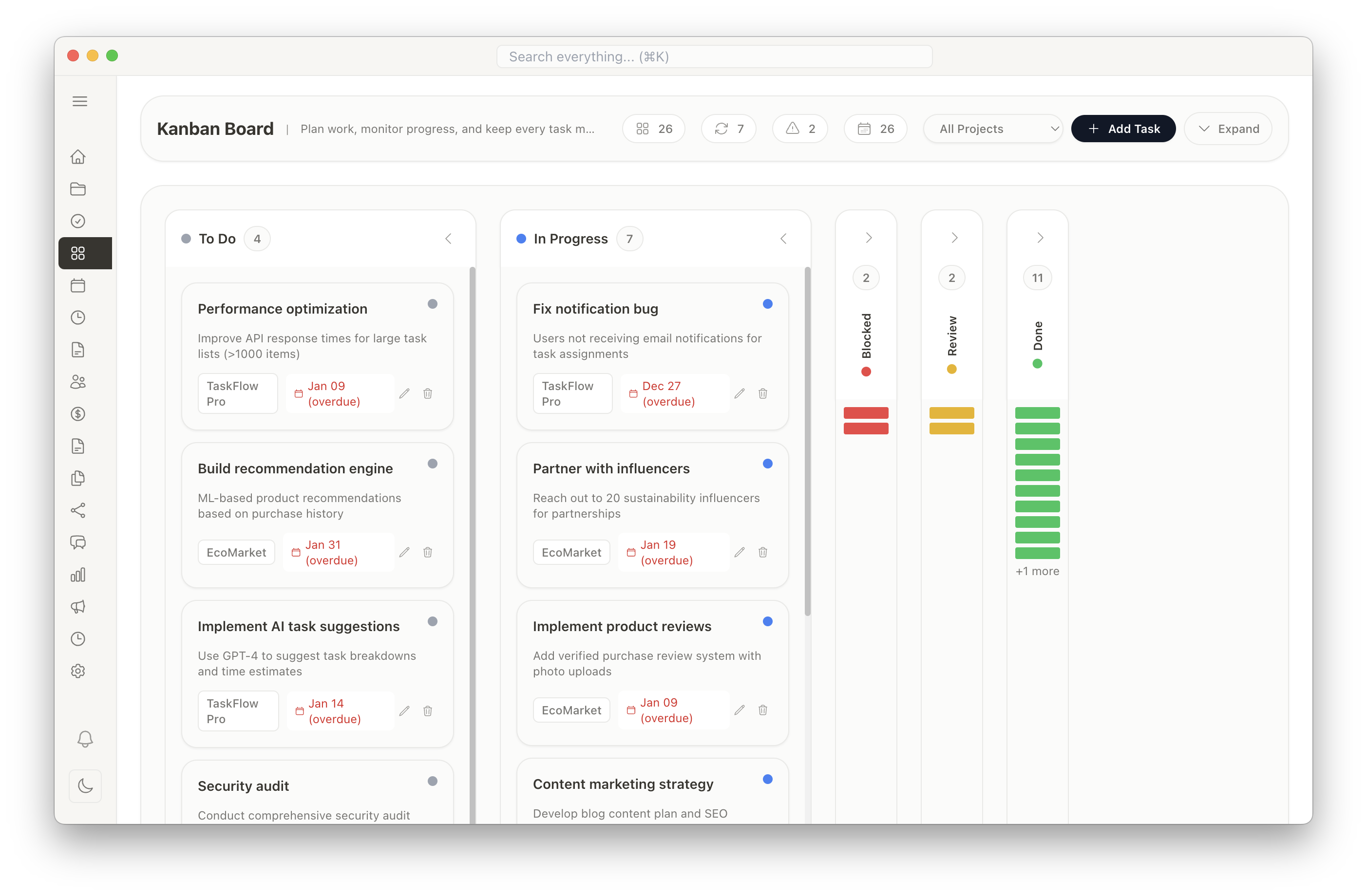
Task Management & Kanban Boards
Break down your projects into actionable tasks. Use Kanban boards to visualize your workflow and track progress at a glance.
- Create tasks with descriptions and due dates
- Visual Kanban board with drag-and-drop
- Task priorities and labels
- Subtasks and checklists
- Task dependencies and relationships
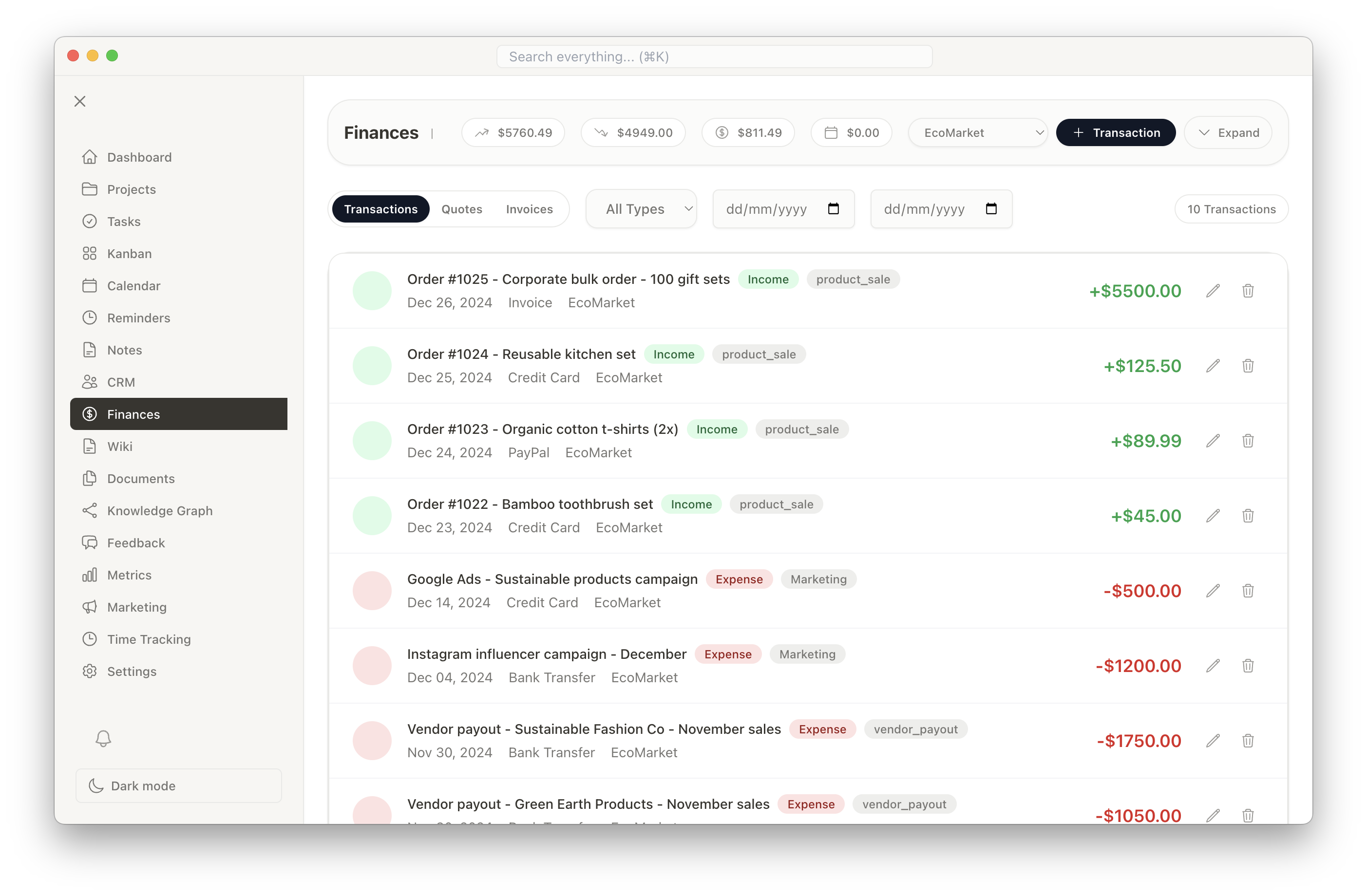
Financial Management
Keep your business finances organized with comprehensive tracking for income, expenses, and profitability. Generate professional invoices and financial reports.
- Track income and expenses by project
- Create and manage invoices
- Financial reports and analytics
- Budget tracking and forecasting
- Tax-ready financial documentation
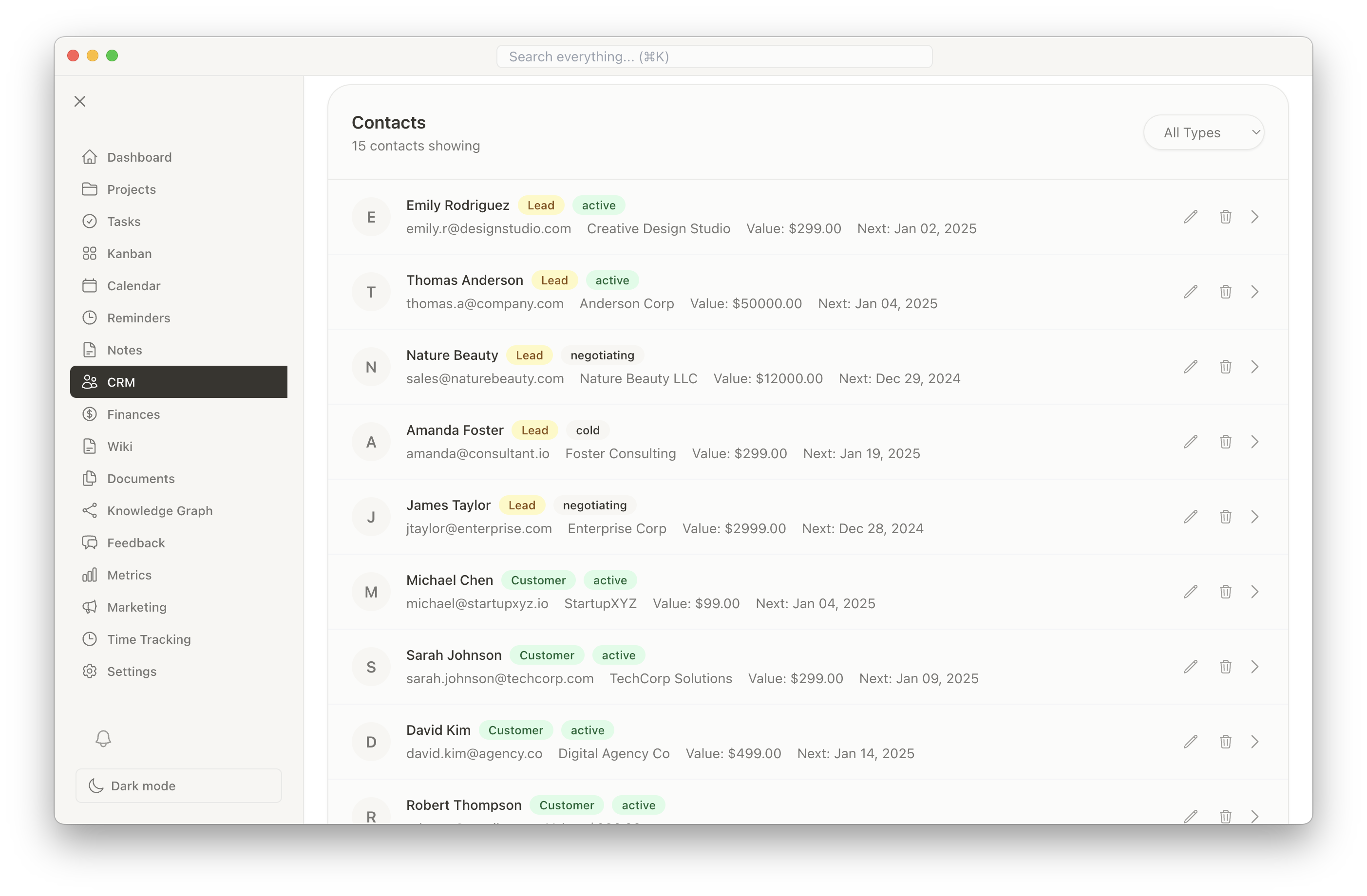
Customer Relationship Management (CRM)
Manage your contacts and customer relationships effectively. Keep track of all communications, projects, and history in one place.
- Comprehensive contact database
- Communication history tracking
- Link contacts to projects
- Customer notes and tags
- Email integration and templates
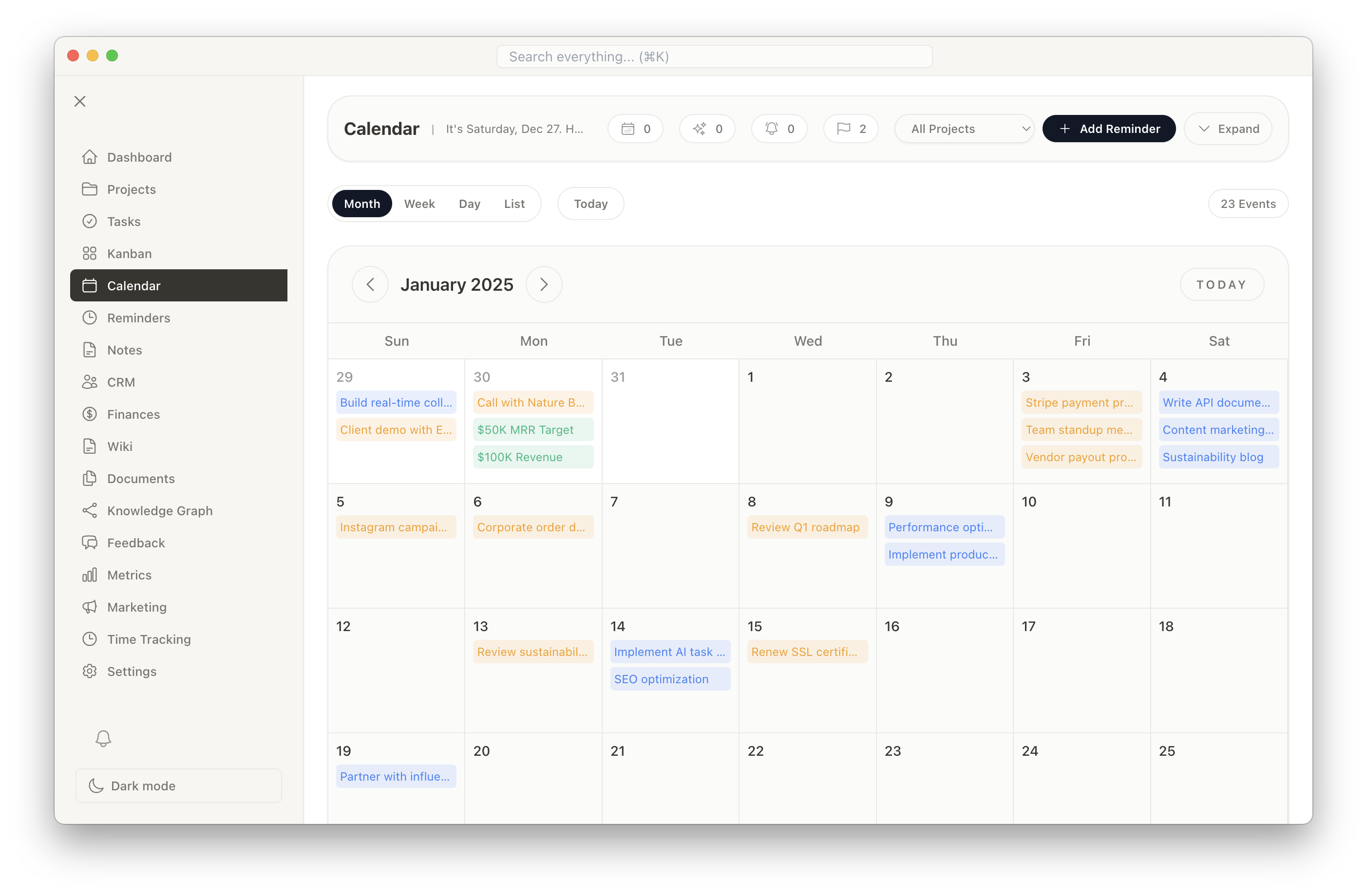
Integrated Calendar
See all your tasks, milestones, deadlines, and reminders in one unified calendar view. Never miss an important date again.
- Month, week, and day views
- All tasks and milestones in one place
- Color-coded by project
- Drag-and-drop rescheduling
- Calendar sync capabilities
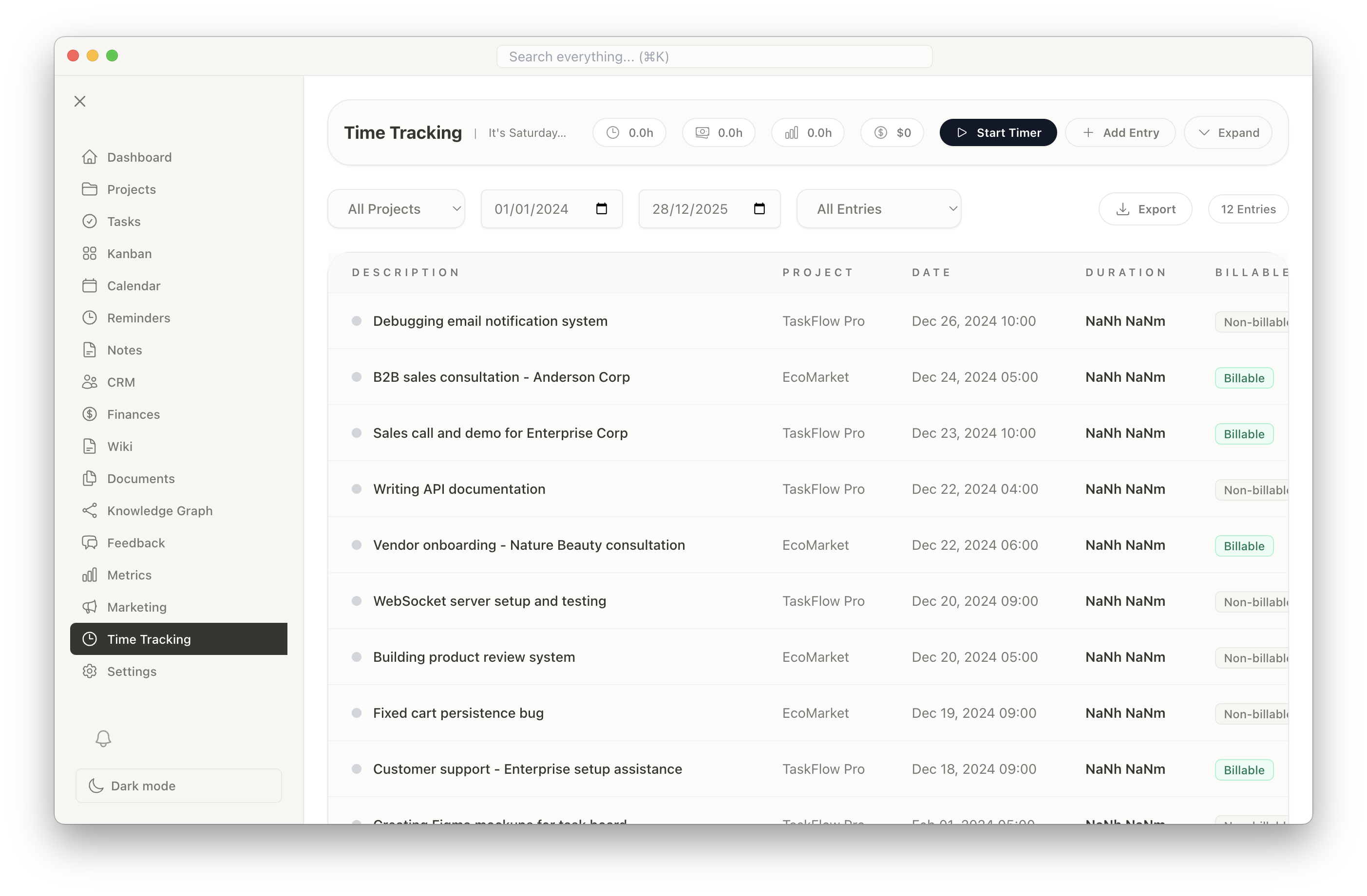
Time Tracking
Track time spent on tasks and projects to understand where your time goes. Use insights to optimize your workflow and improve productivity.
- Start/stop timer for tasks
- Manual time entry support
- Time reports by project and task
- Billable hours tracking
- Time-based analytics
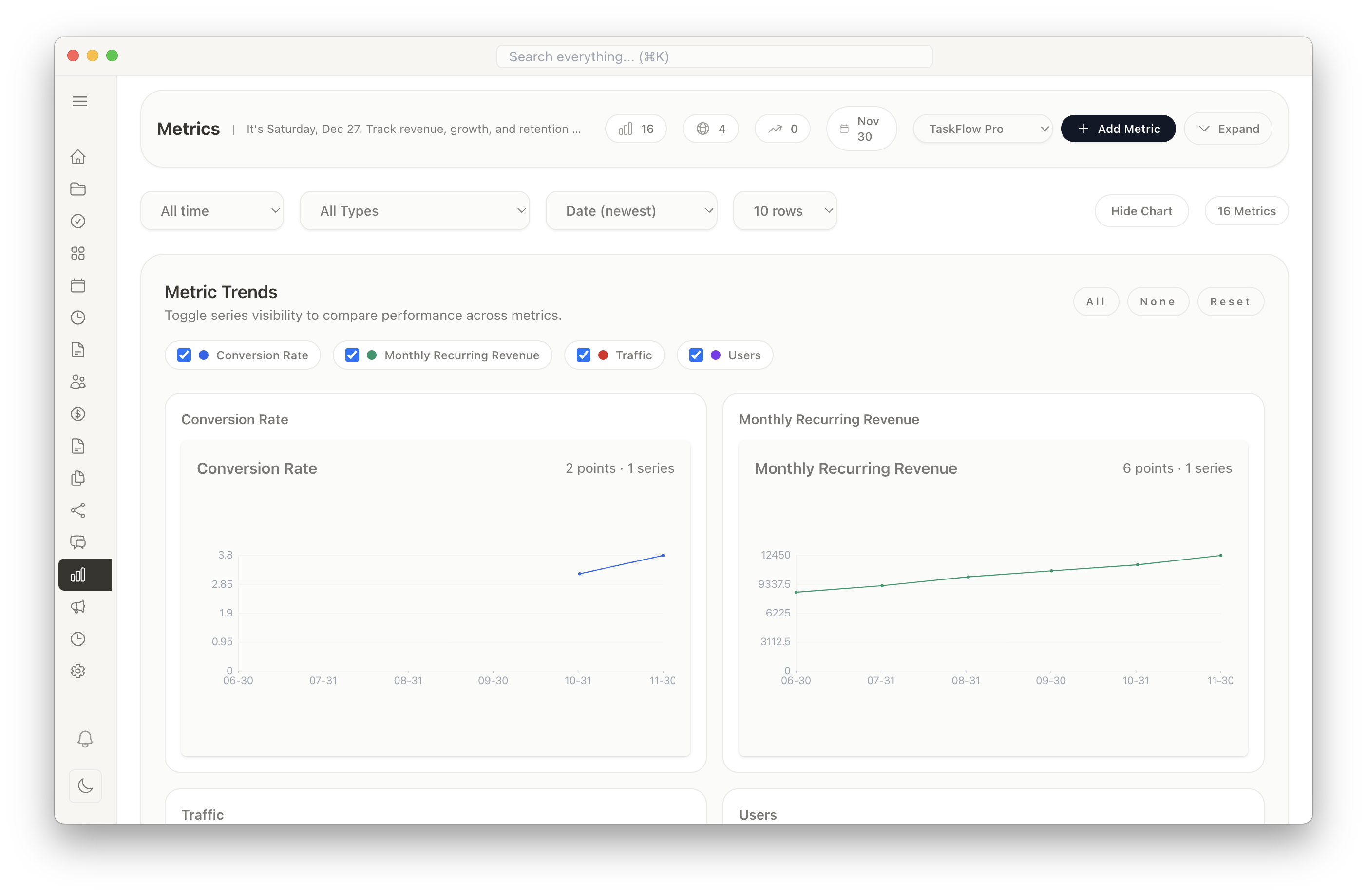
Metrics & Analytics
Make data-driven decisions with comprehensive metrics and analytics. Track KPIs, project performance, and business growth.
- Customizable dashboards
- Project performance metrics
- Financial analytics and trends
- Time utilization reports
- Visual charts and graphs
Project Wiki & Documentation
Build a knowledge base for your projects with full markdown support. Document processes, create guides, and maintain project documentation.
- Rich markdown editor
- Organize pages hierarchically
- Code syntax highlighting
- Images and file attachments
- Full-text search
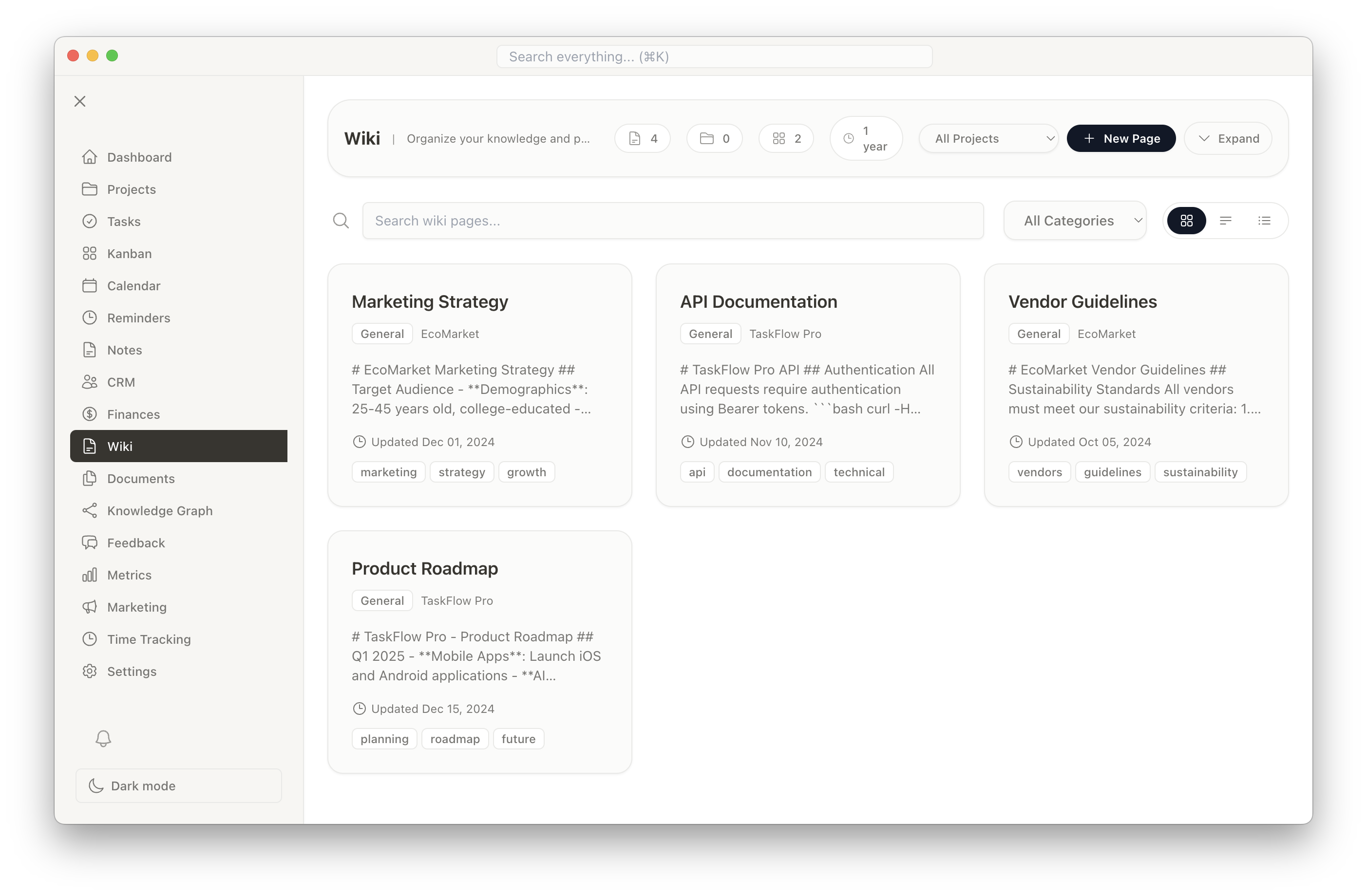
Smart Reminders
Never forget important tasks or deadlines with customizable reminders and notifications.
- Custom reminder scheduling
- Desktop notifications
- Recurring reminders
- Email reminder options
- Snooze and reschedule
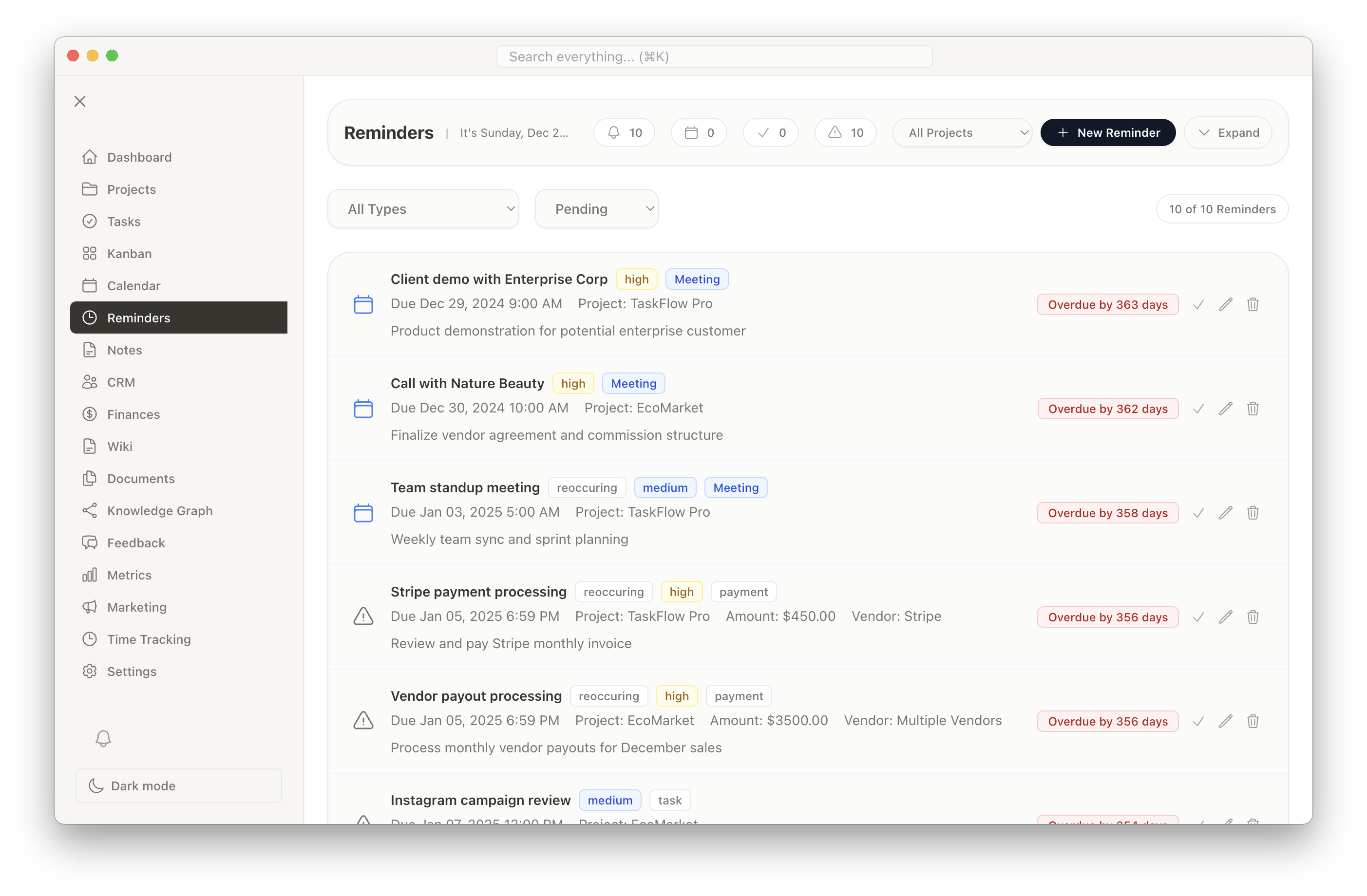
Feedback Collection
Gather and organize customer feedback to improve your products and services. Track feature requests and customer sentiment.
- Collect customer feedback
- Organize by project or product
- Priority and status tracking
- Feedback analytics
- Link feedback to tasks
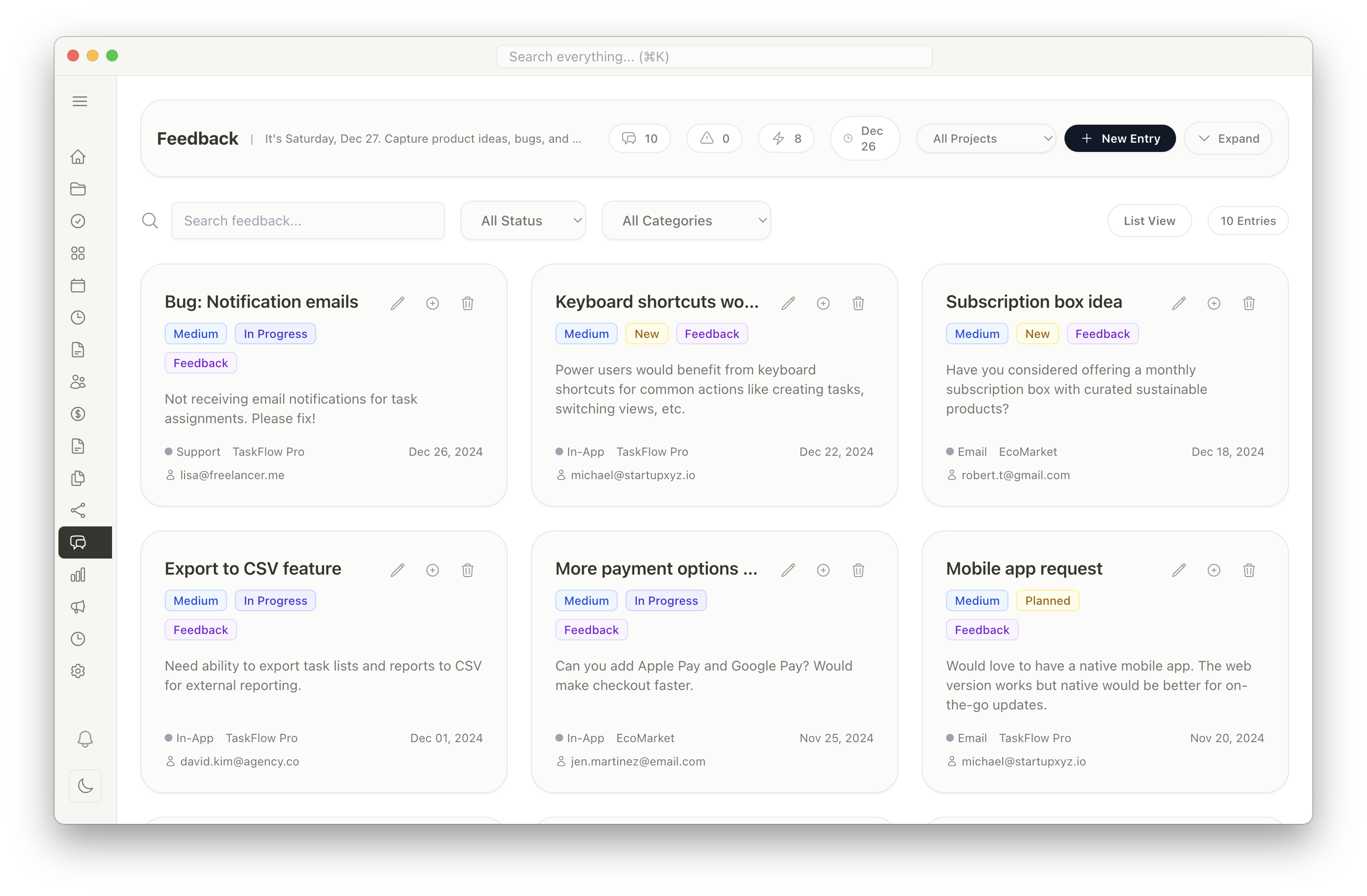
Document Management
Store and organize all your project-related documents in one secure location. Link documents to projects, tasks, or contacts.
- File upload and storage
- Document categorization
- Link files to projects/tasks
- Quick search and filters
- Version history
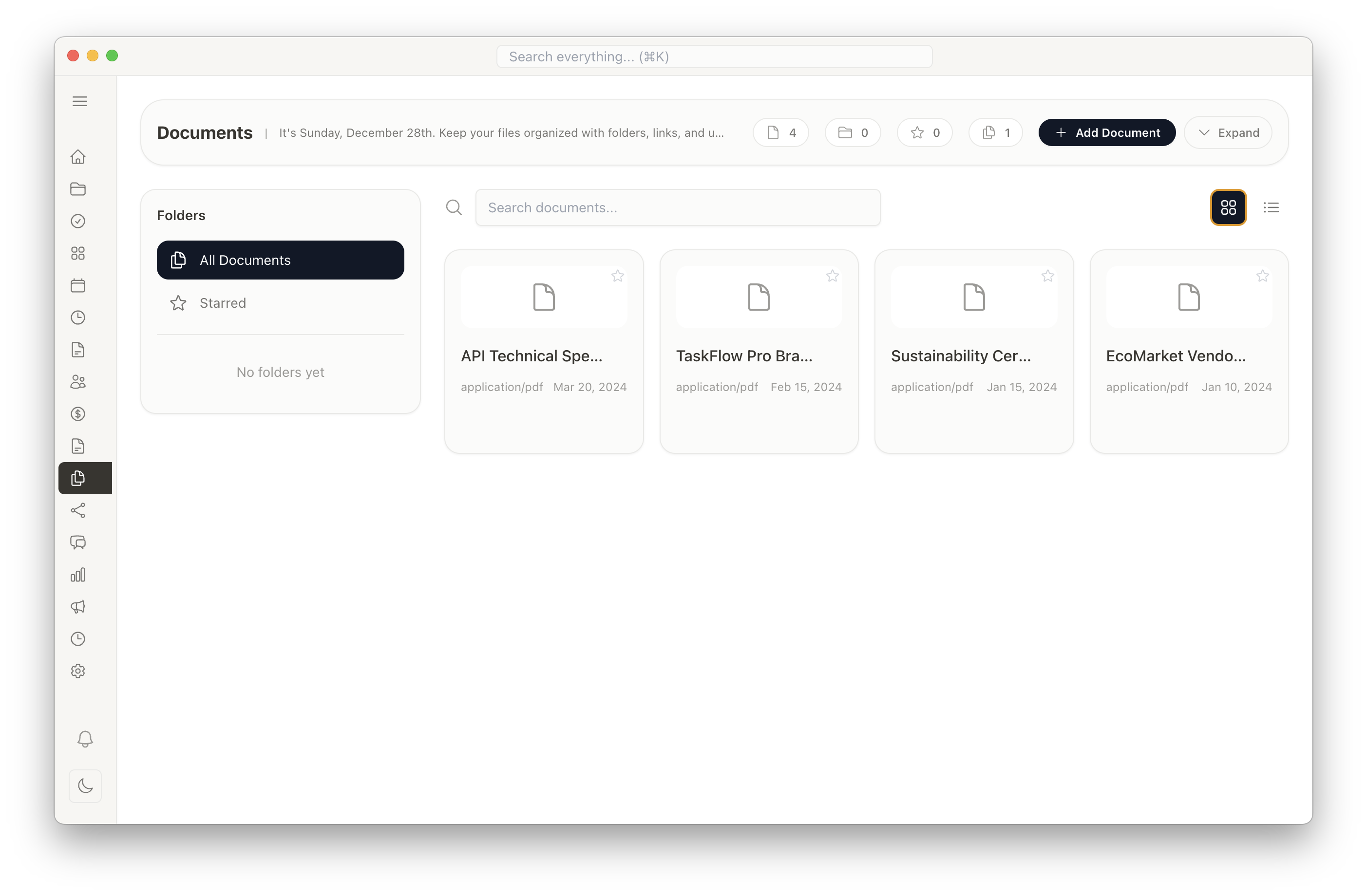
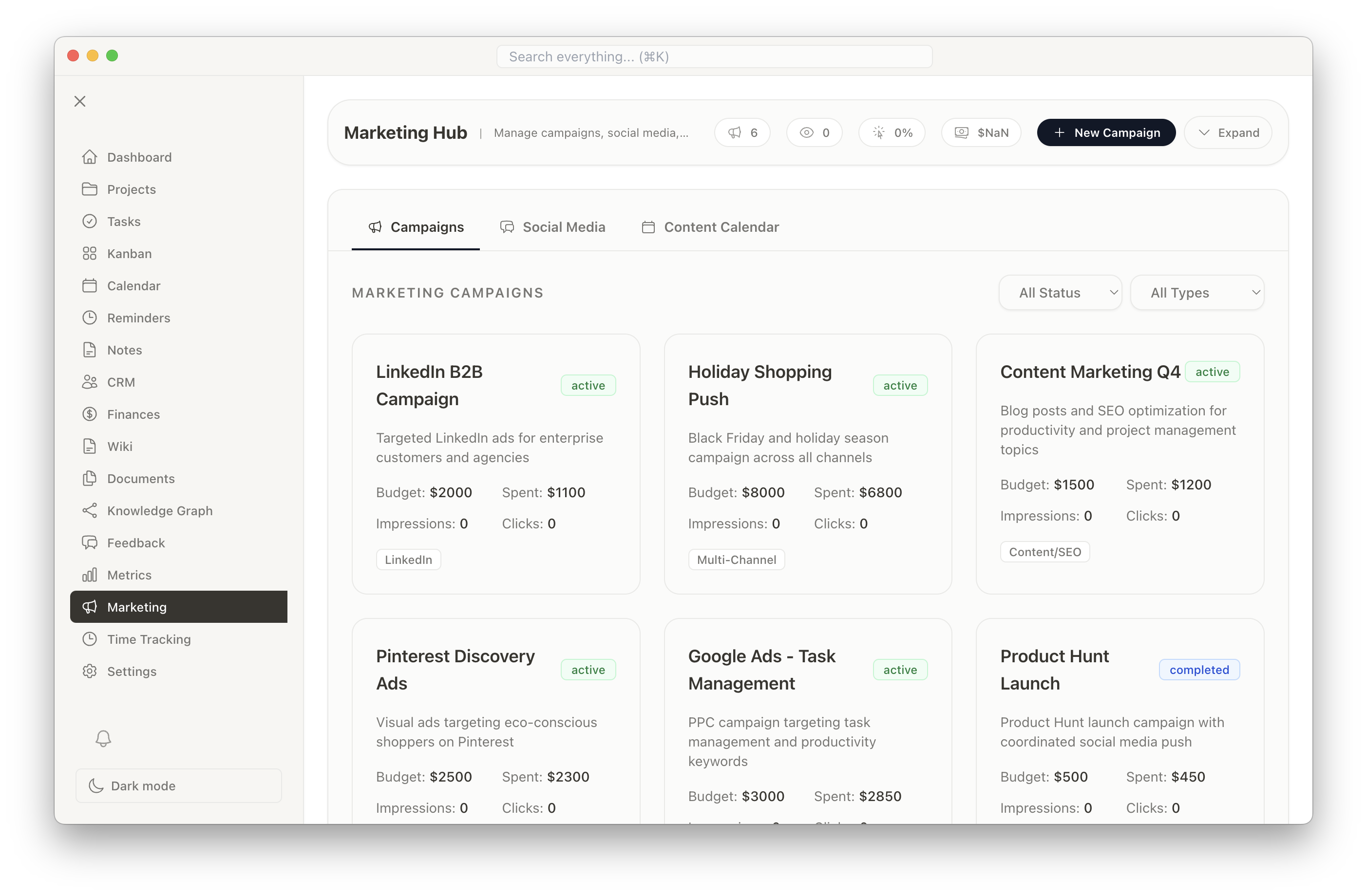
Marketing Hub
Manage your marketing campaigns, social media presence, and content strategy from one central location. Track campaign performance and measure ROI.
- Create and manage marketing campaigns
- Social media post scheduling and planning
- Content calendar management
- Campaign performance tracking
- Analytics and ROI measurement
- Track impressions, clicks, and conversions
Notes with AI Generation
Capture ideas, meeting summaries, and project updates with rich formatting. Use AI-powered note generation to create structured notes from brief descriptions.
- Rich text editor with formatting
- AI-powered note generation from prompts
- Organize notes by project or tags
- Quick search across all notes
- Markdown support
- Link notes to projects and tasks
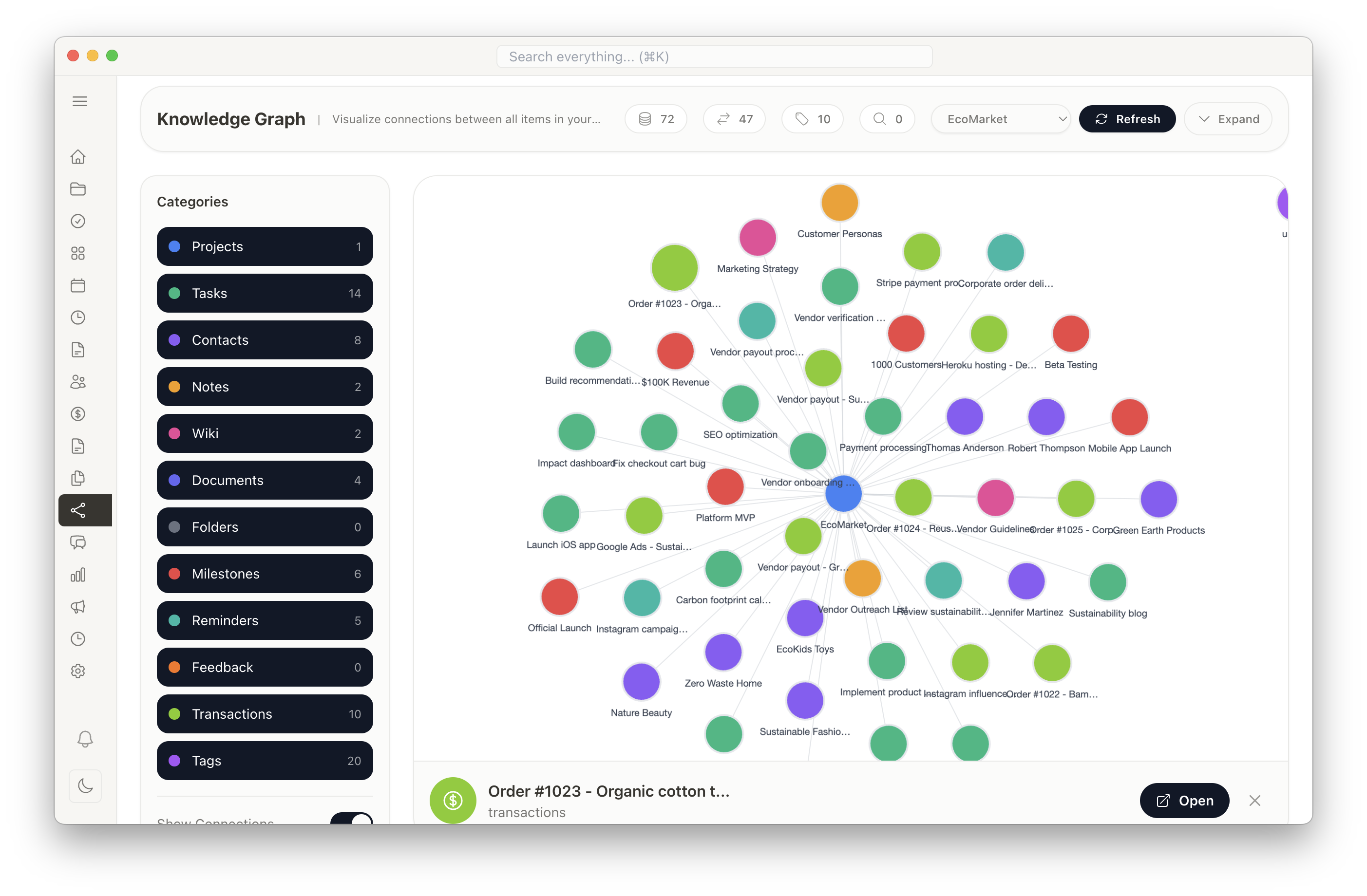
Knowledge Graph
Visualize the connections between all items in your workspace. See how projects, tasks, contacts, documents, and notes relate to each other. Powerful search across all your data.
- Interactive graph visualization
- Global search across all data types
- See connections between items
- Filter by project or category
- Navigate relationships visually
- Discover hidden patterns and insights
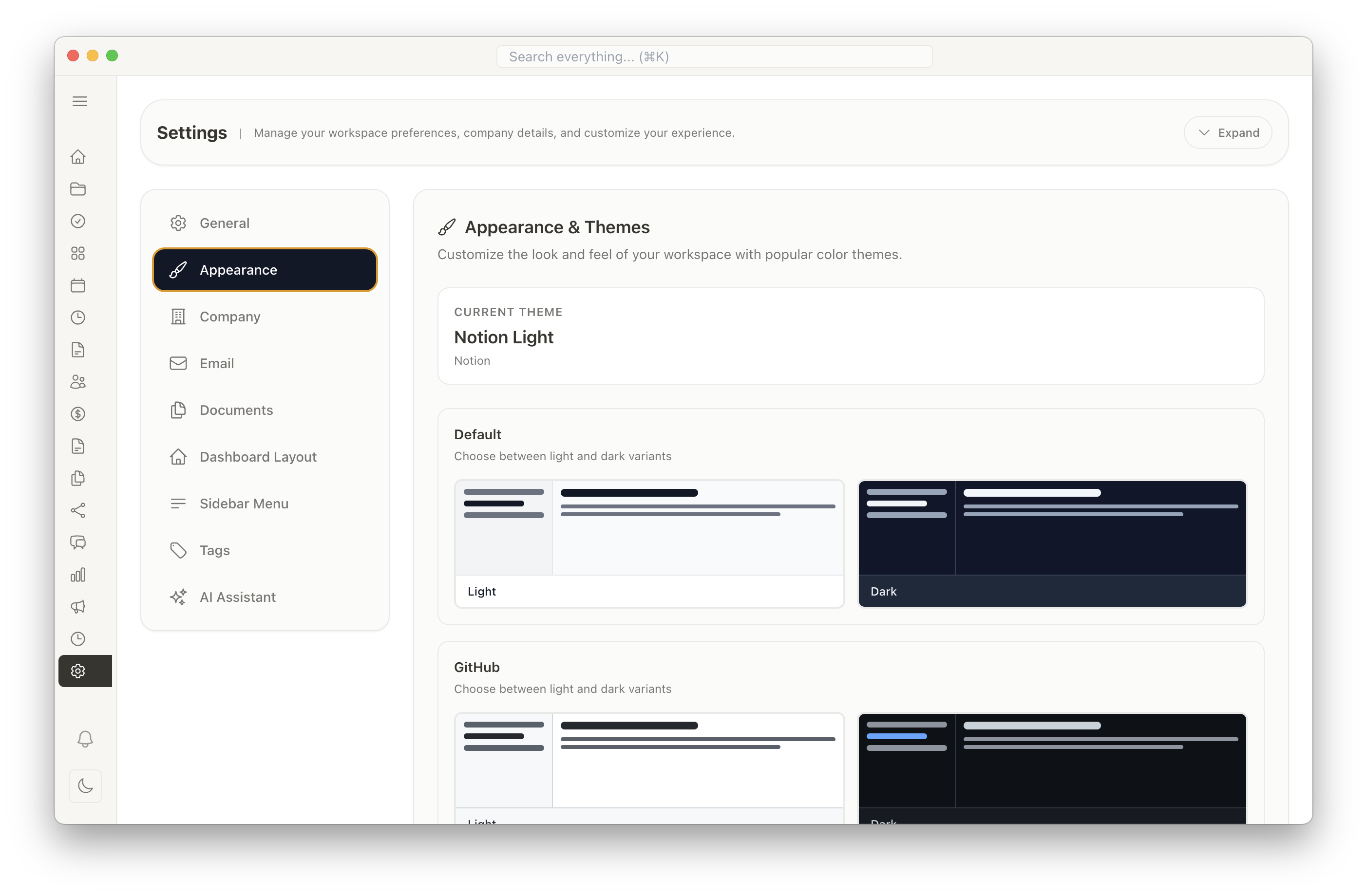
Customizable Themes
Personalize your workspace with multiple theme options. Choose from light and dark modes with various color schemes to match your preferences.
- Multiple theme options (Default, GitHub, VS Code, Notion, Slack, Solarized)
- Light and dark mode variants
- High contrast mode for accessibility
- Customizable accent colors
- Save your preferences
Privacy & Data Security
Your data is yours. Everything is stored locally on your computer with no cloud dependencies or data sharing.
- 100% offline functionality
- Local SQLite database
- No data collection or tracking
- No monthly subscriptions
- Complete data ownership